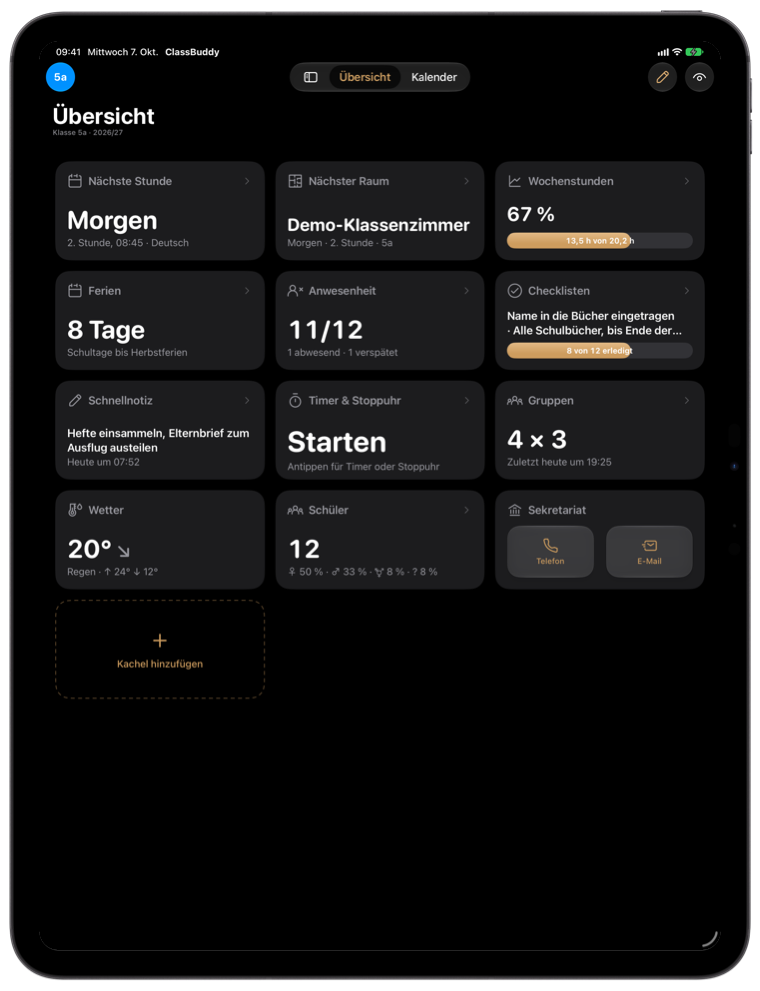
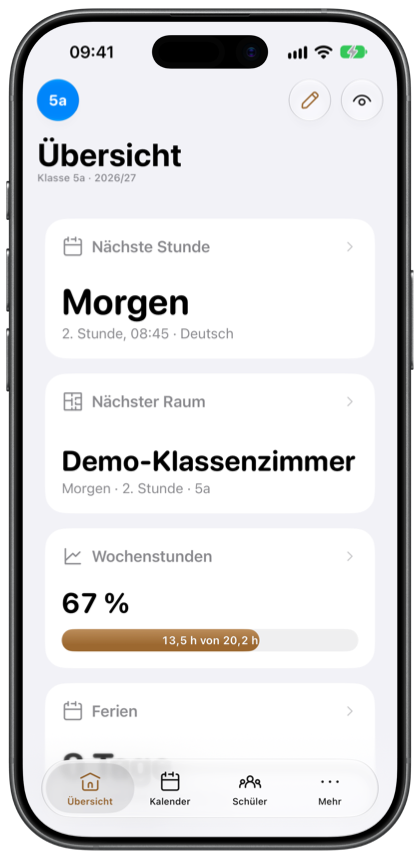
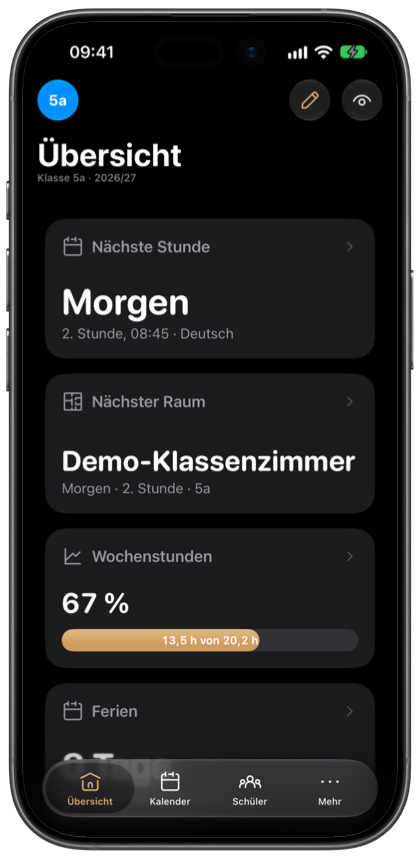
Dashboard
- Next lesson, current room, holiday countdown, weather at your school
- Timer, random pick, groups and noise meter
- Your own cards for websites, documents and shortcuts

 ClassBuddy

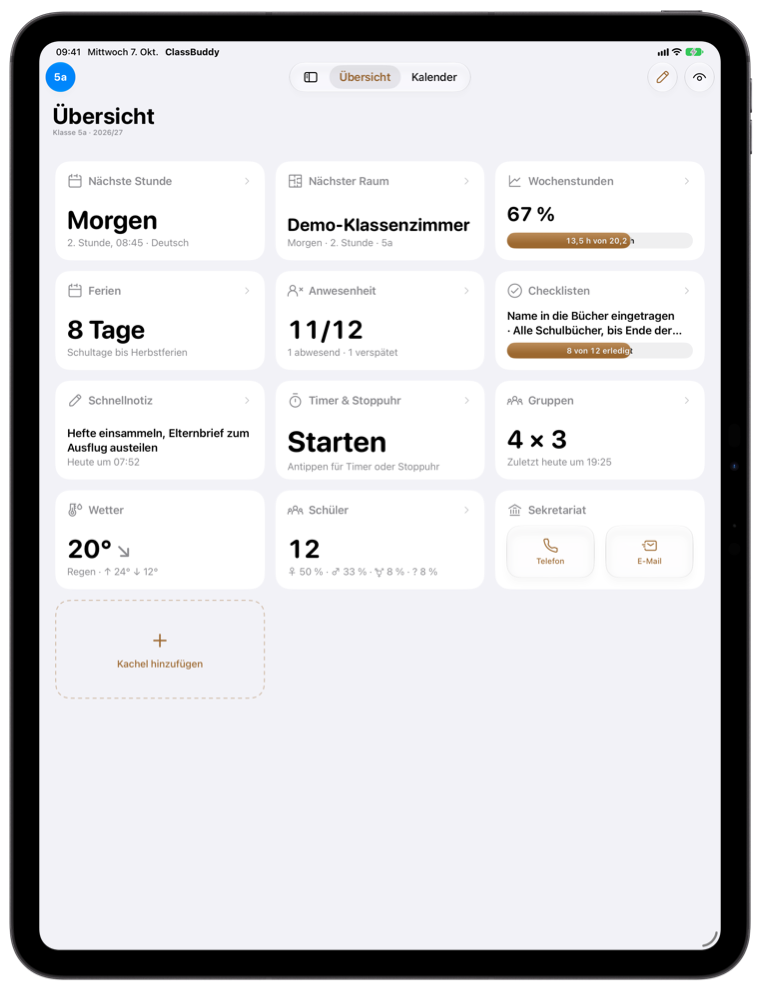

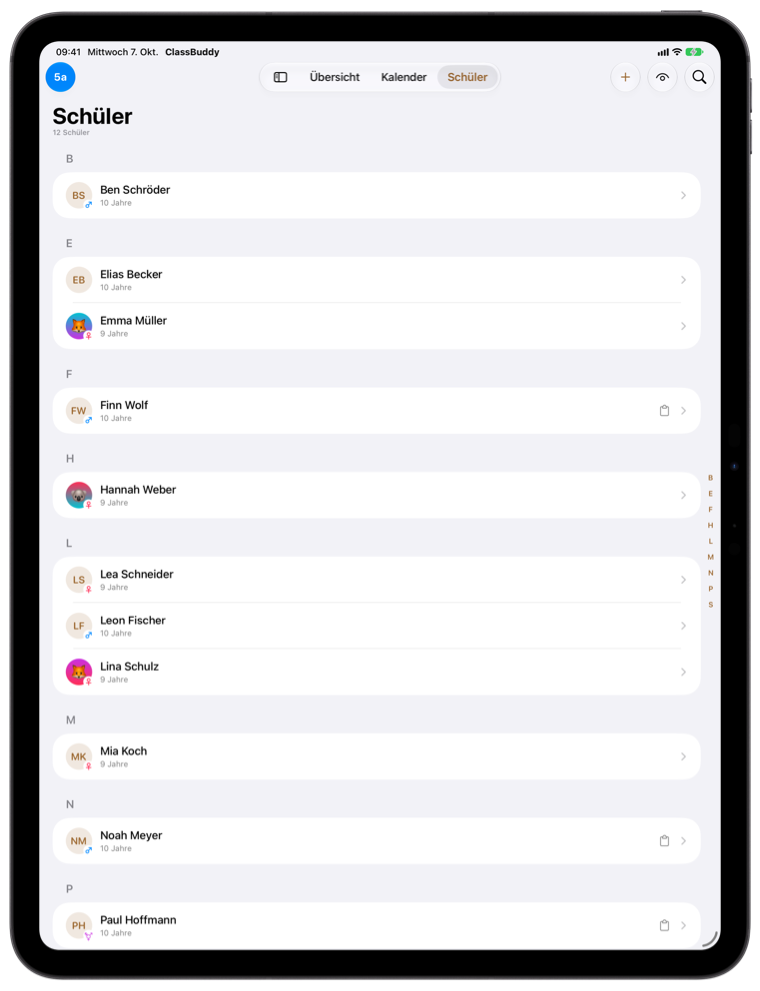
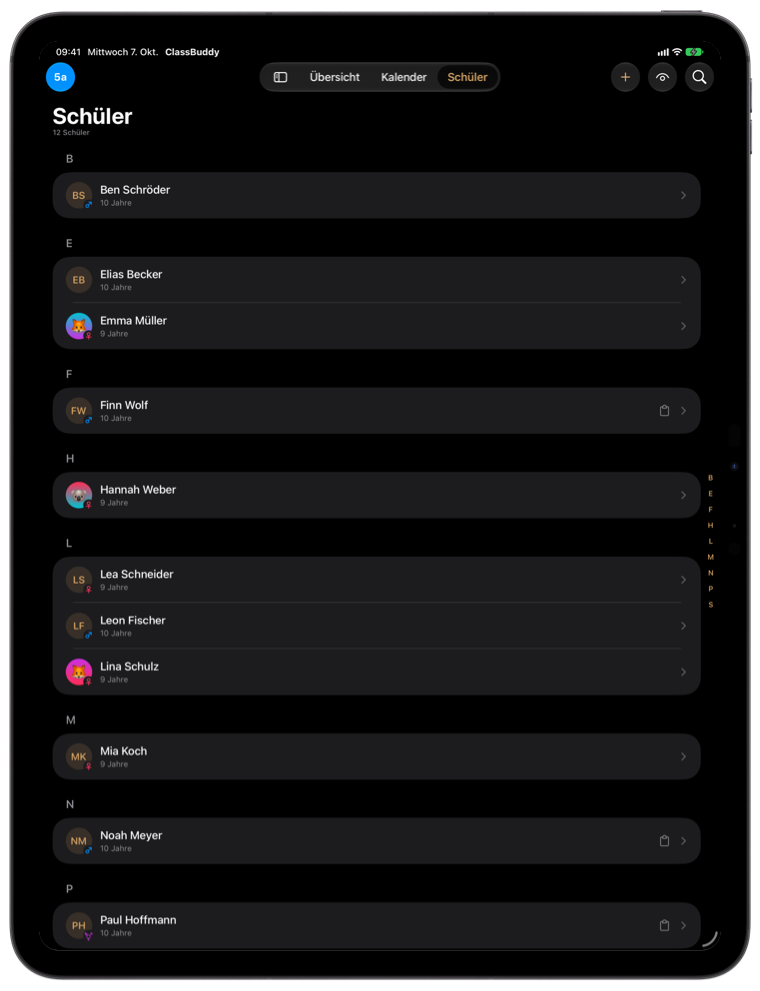
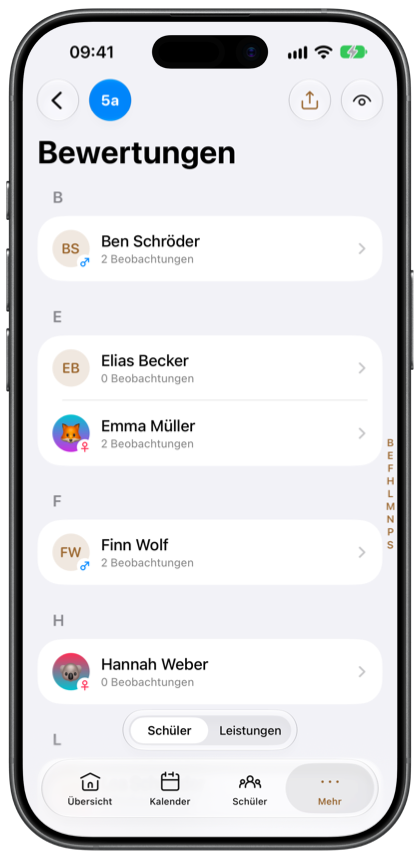
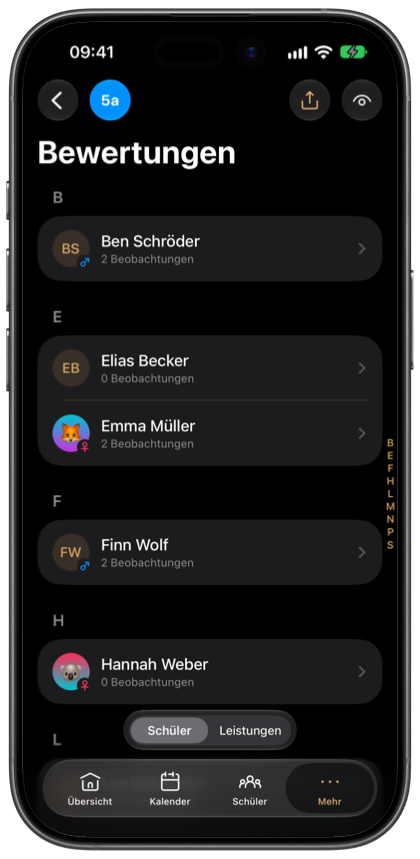
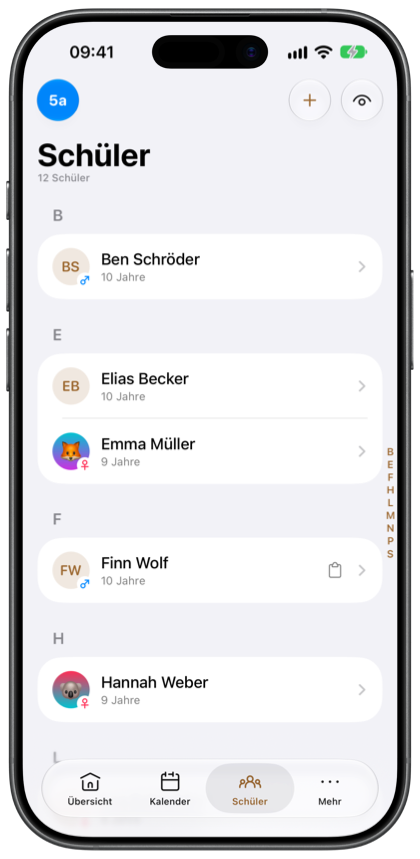
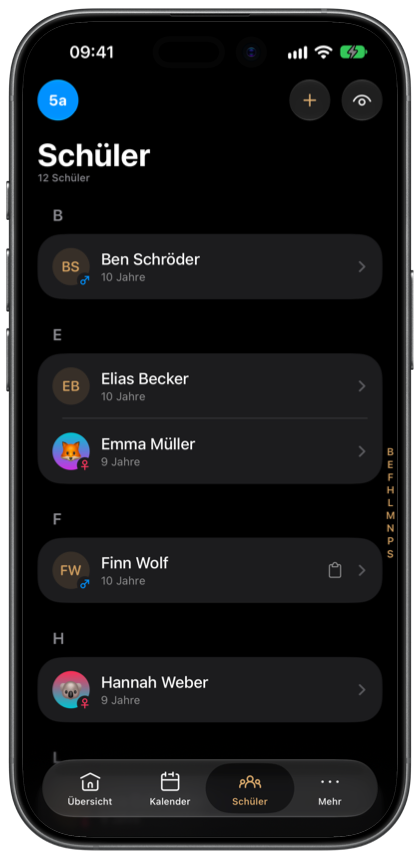
Short name, subjects and color, then the student list. With “Add more” it all goes in one go.
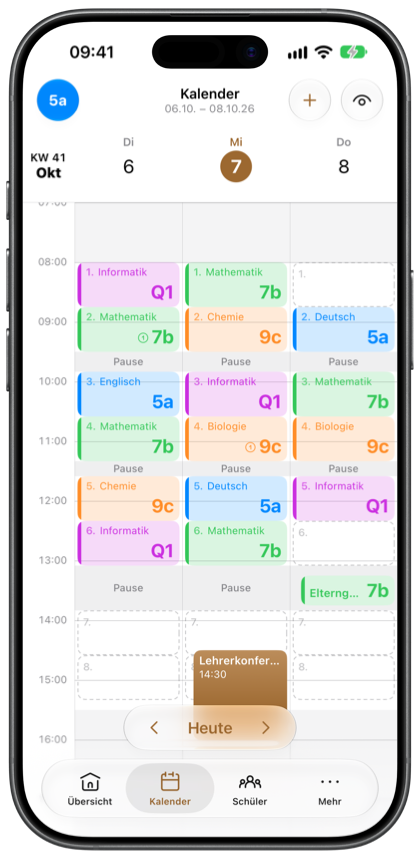
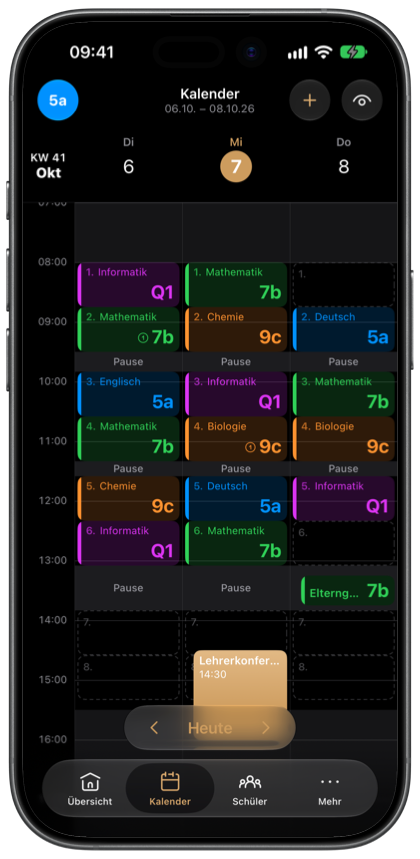
Tap an empty period, choose class and subject, “Every week”. School holidays for your state come in with one import.
Draw the room, seat your students. From then on every lesson opens its seating plan directly.
Explained step by step in the guide.
Made for teachers at German schools and constantly improved, often straight from requests in the staff room.

ClassBuddy has no server. What you enter only leaves your device when you export it yourself.
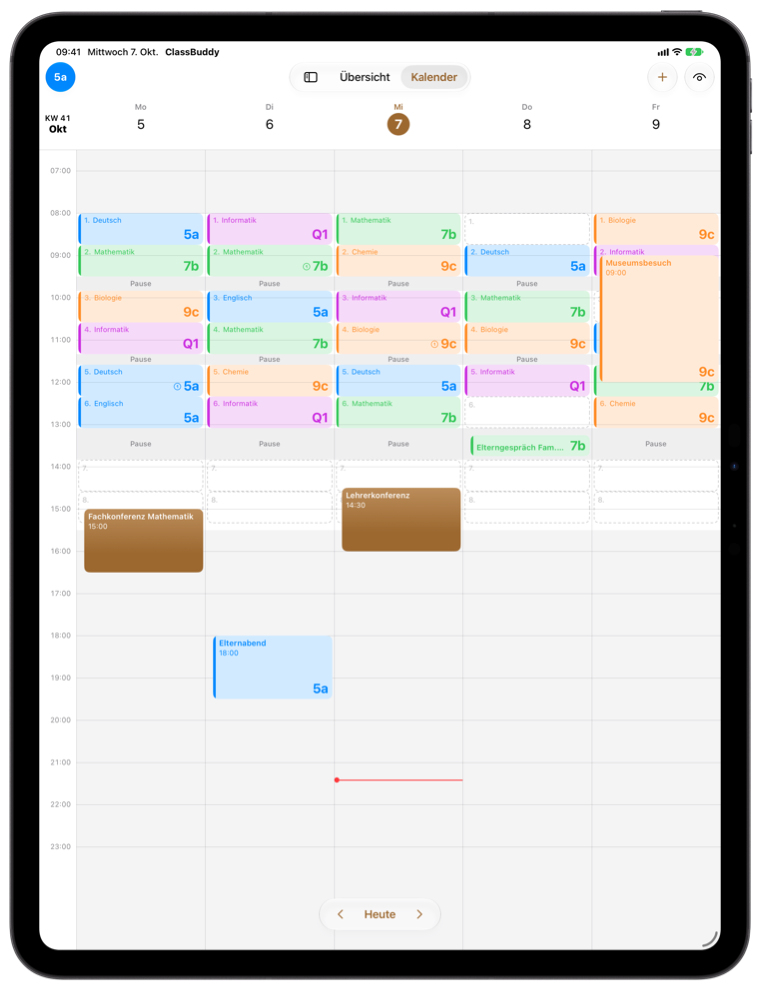
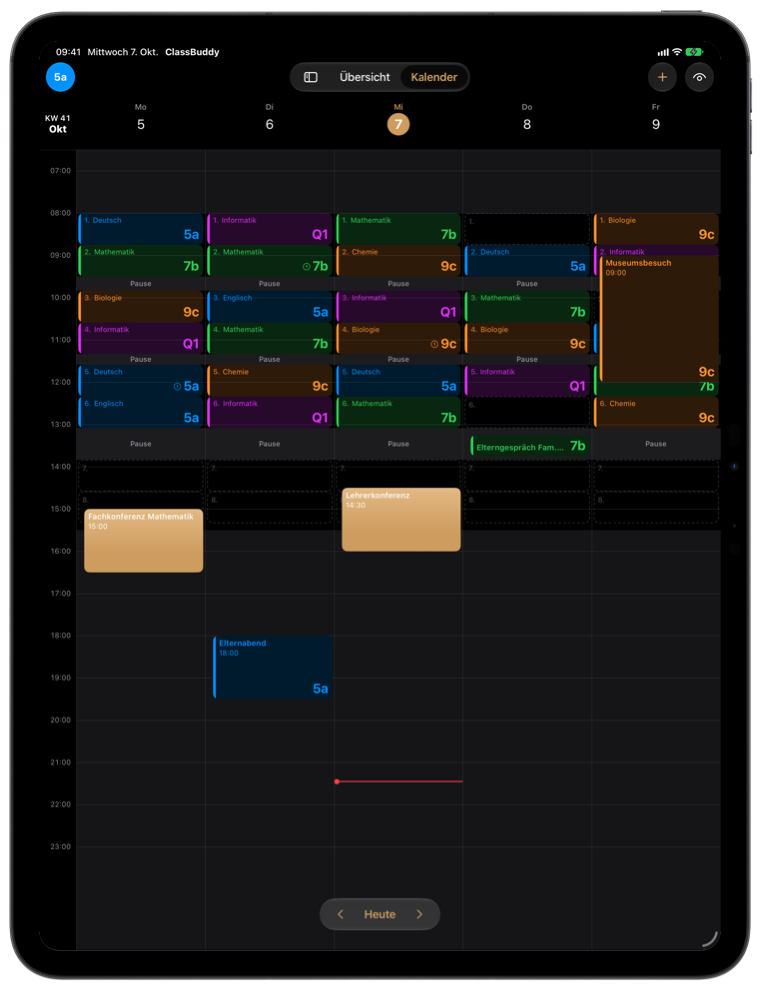
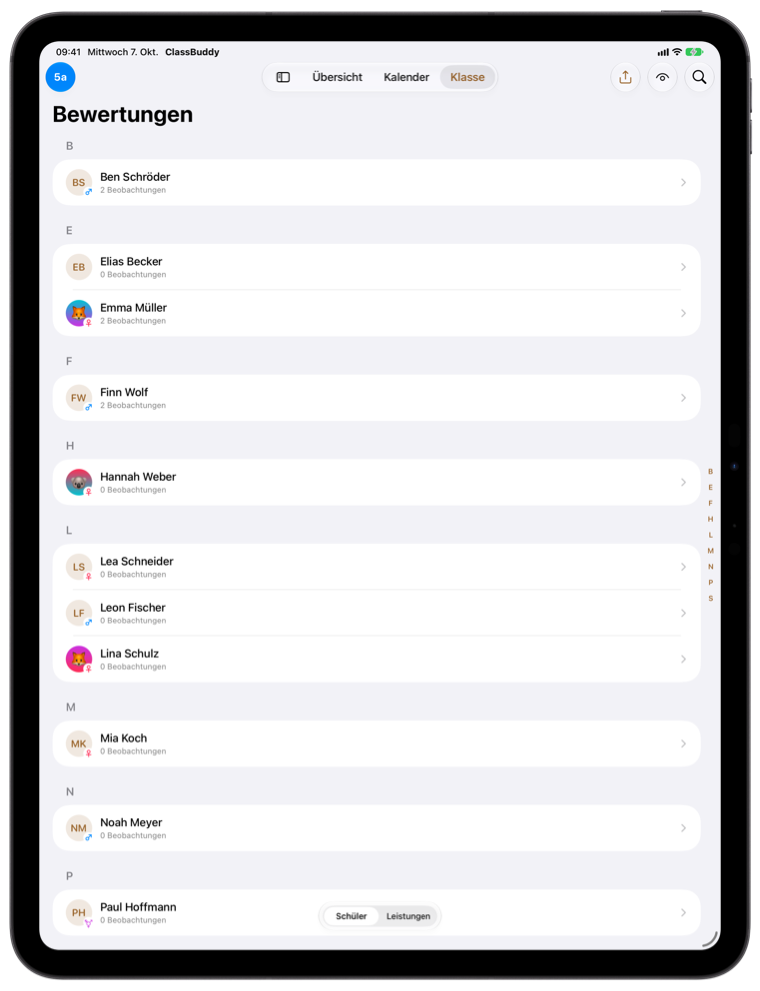
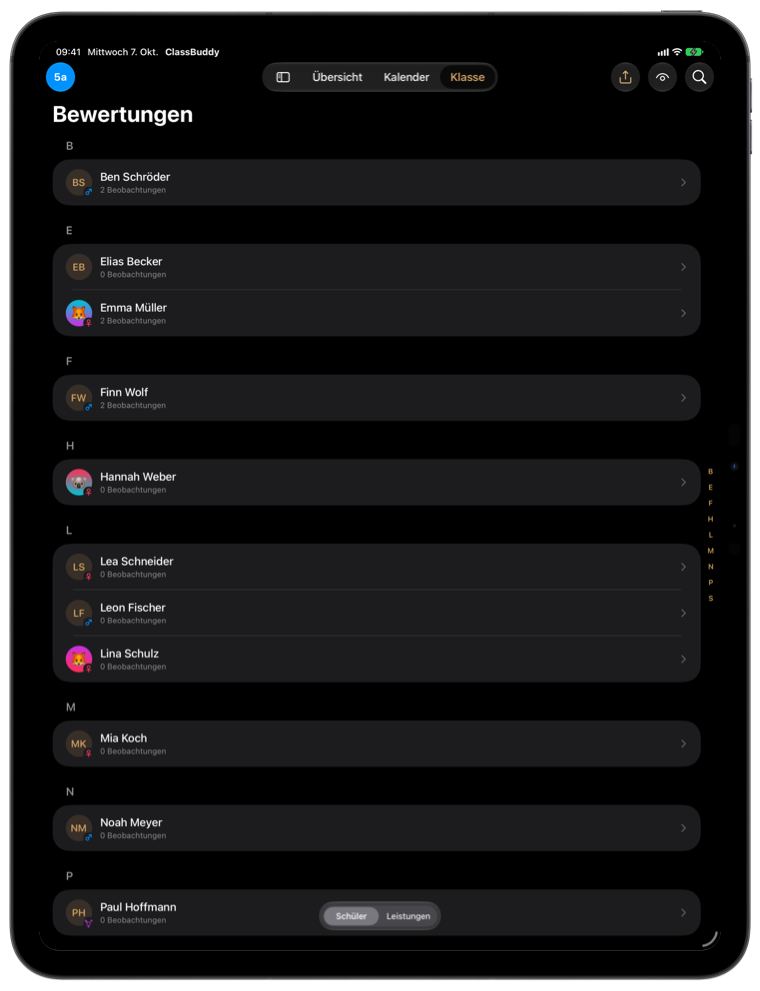
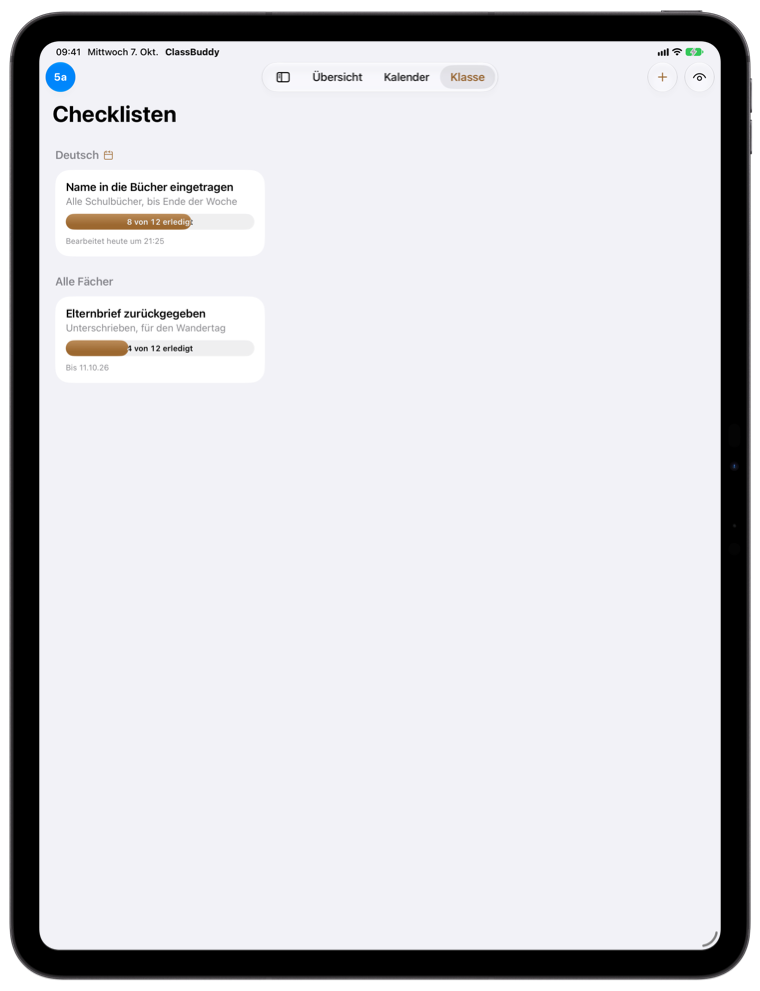
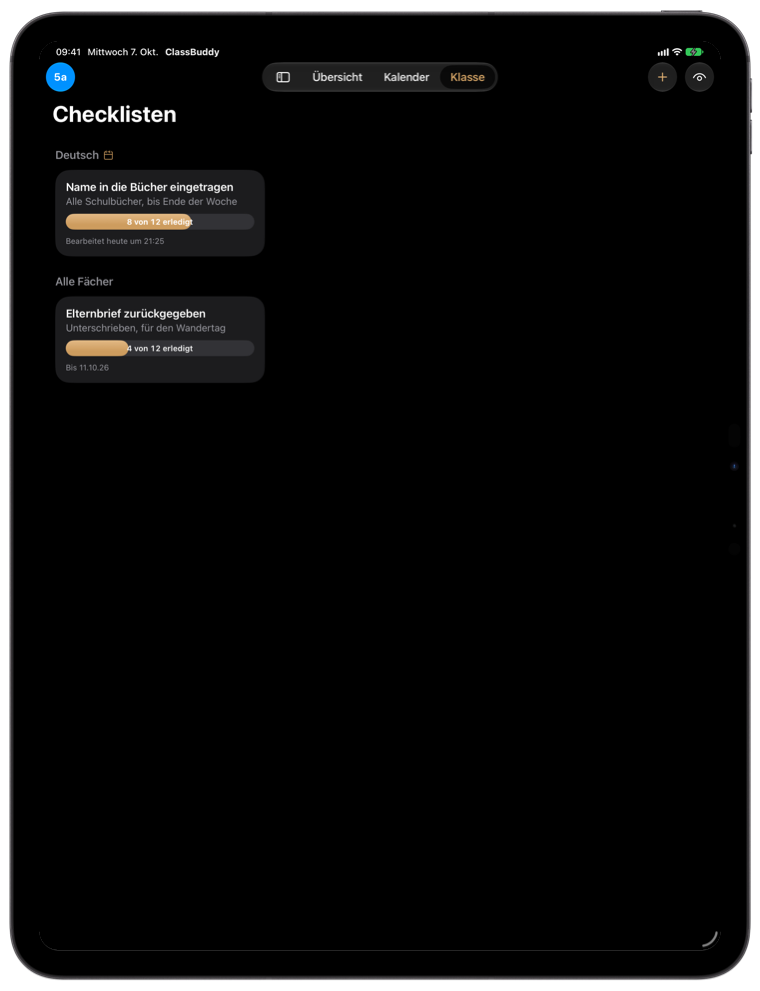
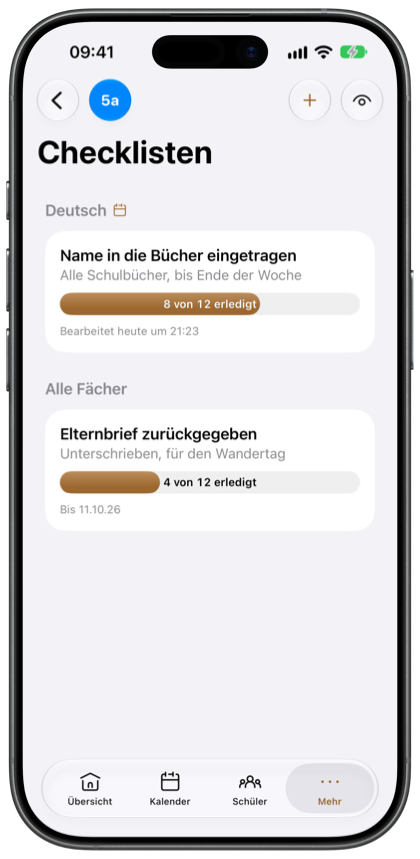
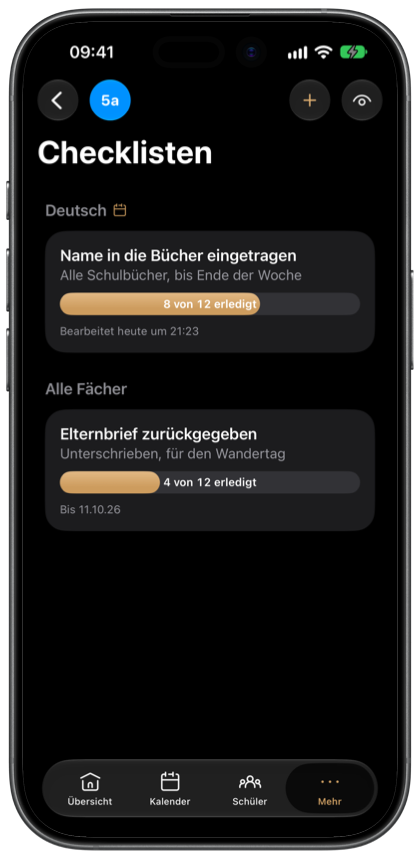

Every feature free for 30 days, then unlock the full version with a one-time purchase. No subscription, no automatic renewal.

Only on your device. There is no account and no ClassBuddy server, the developer has no access to your data. Details in the privacy policy.
No. ClassBuddy works completely offline. Only the holiday import and the weather card briefly need a connection.
ClassBuddy is built for privacy-compliant use at German schools: everything stays local, encrypted and locked. Whether and which data you may process on a private device is up to your state and your school. More in the notes for teachers in the privacy policy.
You start the trial at the end of the introduction: every feature free for 30 days, no subscription and no automatic renewal. Afterwards you unlock the full version with a one-time purchase. If you decide not to buy, export your data before the trial ends.
On iPad and iPhone with iPadOS and iOS 17.7 or later. An Android version is coming to Google Play.
Yes, as many classes as you like, each with several subjects. Timetable, seating plans and assessments apply per class and subject.
One tap on the eye at the top right turns on privacy mode: names, grades and notes are hidden, for example on a projector. Turning it off needs Face ID, Touch ID or your passcode.
Settings › App Settings › Export creates an Excel file with all your data. On the new device, import it in the same place.
It is deleted together with the app, since there is no copy on a server. Export anything you want to keep first.
No. ClassBuddy keeps observations and assessments organized, the grading stays with you.
Yes, the guide explains the setup step by step. You also find it in the app under Settings.
Yes. Schools and departments are welcome to request full version codes in larger quantities, through one of the feedback options in the app or by email.
No matching question. Feel free to write to us through one of the feedback options in the app.
More answers on the support page.
